Every setting,in plain English
See what each of the 90 Codex settings does, and set the ones you want. Then copy your config.toml, or paste your own to check it.
1model = "gpt-5.6-sol"← Use the most capable model2model_reasoning_effort = "high"← Think longer on hard tasks3approval_policy = "on-request"← Codex decides when to ask4sandbox_mode = "workspace-write"← Change this project only56[features]7memories = true← Remember across sessions89[mcp_servers.docs]← Add a server for library docs10command = "npx"11args = ["-y", "@upstash/context7-mcp"]
Use the most capable model
Configuration
Which model Codex uses, how hard it thinks, and how it answers.
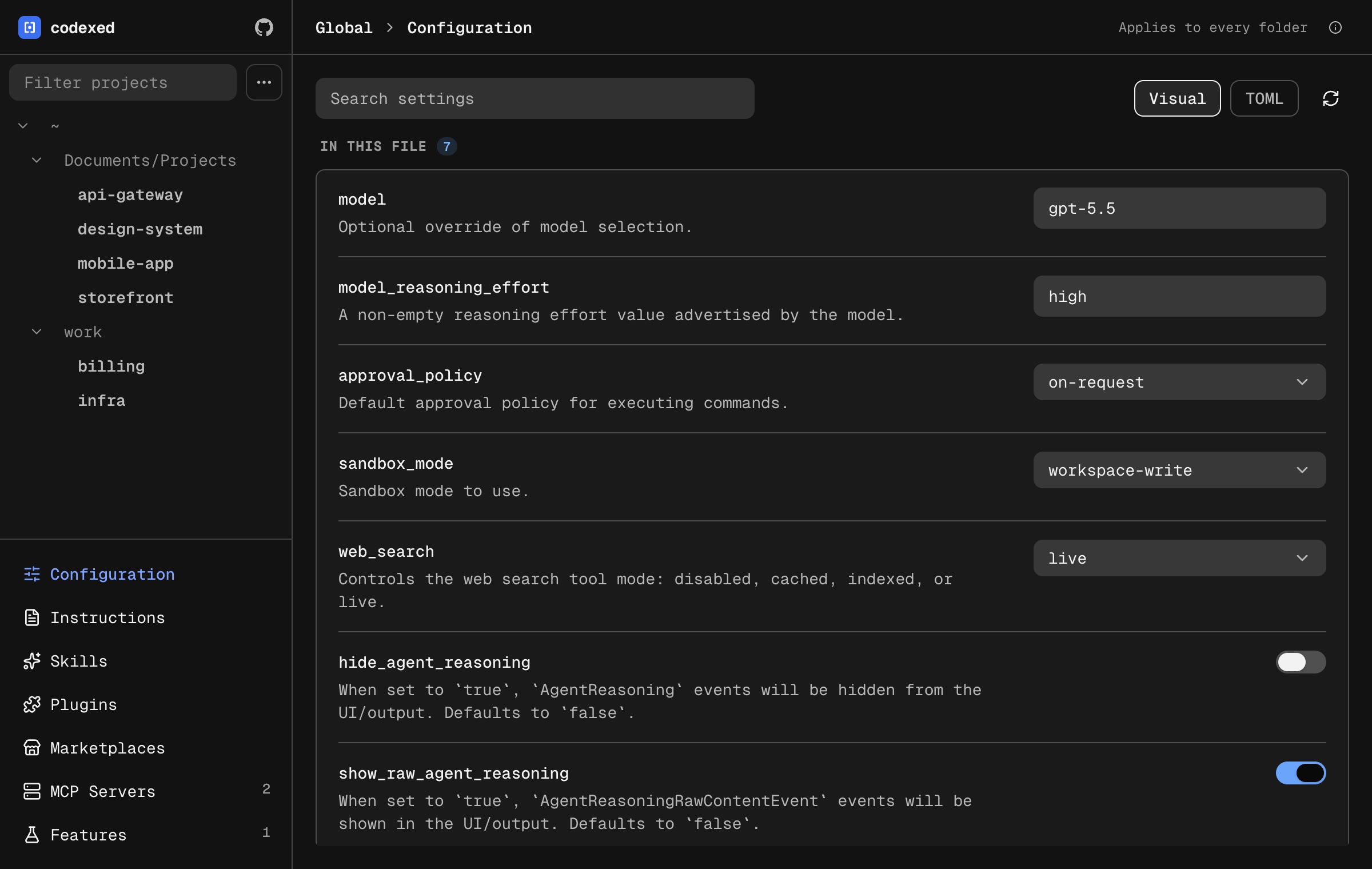
modelOptional override of model selection.
model_reasoning_effortA non-empty reasoning effort value advertised by the model.
plan_mode_reasoning_effortA non-empty reasoning effort value advertised by the model.
model_reasoning_summaryA summary of the reasoning performed by the model. This can be useful for debugging and understanding the model's reasoning process. See https://platform.openai.com/docs/guides/reasoning?api-mode=responses#reasoning-summaries
model_verbosityOptional verbosity control for GPT-5 models (Responses API
text.verbosity).personalityOptionally specify a personality for the model
review_modelReview model override used by the
/reviewfeature.service_tierOptional explicit service tier request id for new turns (for example
default,priority, orflex; legacyfastalso works).agentsAgent-related settings (thread limits, etc.).
model_context_windowSize of the context window for the model, in tokens.
model_auto_compact_token_limitToken usage threshold triggering auto-compaction of conversation history.
model_auto_compact_token_limit_scopeControls whether the auto-compaction limit applies to the full context or only to tokens after the carried prefix in the current compaction window.
compact_promptCompact prompt used for history compaction.
tool_output_token_limitToken budget applied when storing tool/function outputs in the context manager.
Edit every Codex setting with a form, not with TOML
Edit your config.toml, AGENTS.md, MCP servers, skills, plugins and more.
Quick and focused. Written in Go.
- 1
Open Terminal
- 2
Paste this, and press Return
curl -fsSL https://raw.githubusercontent.com/codex-config/codexed/main/install.sh | sh - 3
Type
codexedor tap its icon in the menu bar